
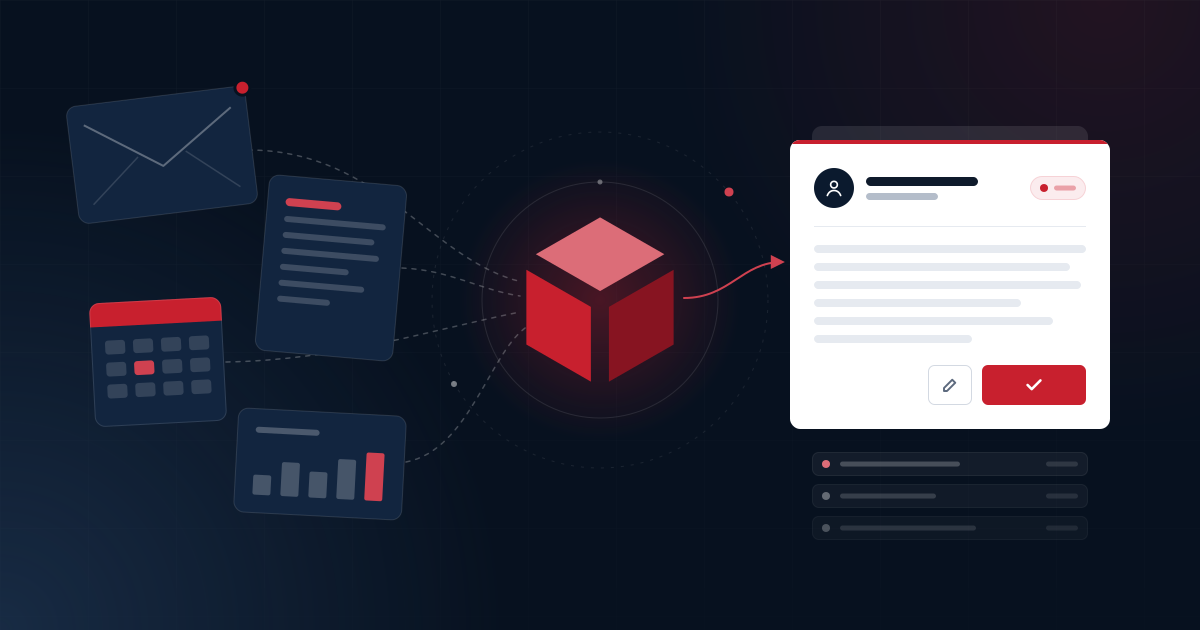
An AI agent is software that takes one piece of work from start to finish inside your own tools. It reads the email, checks the file, drafts the next step and stops for a person to approve anything that leaves the firm. In a law firm that might be the engagement letter. In an accounting firm, chasing missing documents. In a consultancy, the Monday news brief for each client.
Most lists of AI agent examples are written for software companies and global banks. They feature autonomous coders and research swarms, which are impressive and of little use if you run a 15-person accounting practice. This guide is for firms that sell expert time. It covers ten agents a professional-services firm can run today, what each one does step by step, where a person stays in charge, and three jobs we will not hand to an agent.
What is an AI agent, in plain terms?
The clearest way to see the difference is one ordinary email. A client writes on Monday morning: "Where are we with my tax return?"
- A chatbot (ChatGPT, Copilot in its default mode) writes a polite reply when someone pastes the email in. Somebody still has to open the practice software, find the file and work out what is missing.
- Rule-based automation sends the same "We're on it" reply to everyone who uses the word "tax". It is fast and says nothing useful.
- An AI agent reads the email, identifies the client, opens their file and sees the return is waiting on two bank statements. It drafts a reply naming those two statements with an upload link, then queues it for the manager to approve in one click.
The chatbot answers. The automation repeats. The agent does the work a junior would have done, then waits for a senior to sign it off.
So is ChatGPT an agent? On its own, no. It responds and waits for the next prompt. It becomes one when it is given access to your systems, a clear goal and permission to take several steps before it reports back.
How does an AI agent work inside a firm?
Every agent we build follows the same six steps, whatever the job. The one that matters most is step 5.
If the partner wants changes, the draft goes back to the agent with their edits; only an approved draft is sent, filed and logged. Most of the build effort goes into steps 2 and 5: connecting the agent to your systems, and making the approval quick enough that a busy partner actually does it.
10 AI agent examples for professional-services firms
Each example below is a job someone in your firm does every week. For each one: what the agent does, where a person stays in charge, and what it plugs into. None of them needs a new platform.
Law firms
1. The intake and conflicts agent. A new enquiry arrives by web form or email. The agent extracts the parties, the matter type and the deadline. It runs the conflict search in your practice-management system, drafts the engagement letter from your template and offers the prospect three consultation slots.
- A person approves: conflict clearance and the engagement letter, every time.
- Plugs into: Outlook or Gmail, your practice-management system, your e-signature tool.
2. The bundle and chronology agent. A client sends 400 pages of emails, contracts and scans. The agent renames and indexes each document, removes duplicates and builds a dated chronology with page references for every entry.
- A person approves: the fee earner checks the chronology against the source pages. Nothing goes to the other side or the court without them.
- Plugs into: your document management system or SharePoint.
Accounting firms
3. The missing-documents agent. It knows what each client owes you for the period. It sends a reminder that names the exact items missing, reads the replies, files the attachments in the right folder and ticks off the checklist. After the third chase, it hands the client to a person.
- A person approves: the wording of each reminder template, and every escalation.
- Plugs into: your practice-management software, email and client portal.
4. The bookkeeping exceptions agent. Your accounting software matches most bank lines on its own. The agent works on the ones it could not: it finds the receipt in the inbox, proposes a category with a one-line reason and flags anything that looks wrong.
- A person approves: the bookkeeper accepts or corrects the proposals in a batch, once a day.
- Plugs into: Xero, QuickBooks or your local equivalent, plus the shared receipts inbox.
Consultancies
5. The client news agent. It watches the sources that matter for each client, discards noise, and writes a short brief in your house style. Anything that moves a client's market is flagged the same day.
- A person approves: the client lead reads the brief before it goes out.
- Plugs into: news feeds and databases you already license, plus email or Teams.
6. The proposal first-draft agent. It reads the tender or brief, pulls relevant past proposals, CVs and case studies from your files, and drafts the compliance matrix and a first version of the response.
- A person approves: a partner writes the price and the argument. The agent does the assembly.
- Plugs into: SharePoint or Google Drive, your CRM.
Sales, business development and agencies
7. The inbound qualification agent. A lead fills in your form. The agent researches the company, scores it against the clients you actually want and drafts a reply. Good fits get a call booked; others get a polite route elsewhere.
- A person approves: every reply for the first few weeks, then only the edge cases.
- Plugs into: your website form, CRM and calendar.
8. The meeting-to-CRM agent. After each client call, it turns the transcript into CRM notes, next steps and tasks with owners, and drafts the follow-up email in the account lead's voice.
- A person approves: the follow-up email before it is sent.
- Plugs into: Teams, Zoom or Google Meet, your CRM and email.
Recruitment and HR
9. The CV screening agent. It reads each application against the role brief and writes a short case for every candidate, quoting the evidence and noting the gaps. It then schedules interviews for the people your team picks.
- A person approves: who goes on the shortlist. This is not optional: under the EU AI Act, AI used to select candidates falls in the high-risk category, so the decision stays with a person.
- Plugs into: your applicant tracking system, email and calendar.
Every firm
10. The client reporting agent. Once a month it pulls time records, matter or project status and key numbers, and writes the client update in your firm's voice. The partner gets a finished draft instead of a blank page.
- A person approves: the partner edits and sends it.
- Plugs into: your time-recording, project and reporting tools.
Agents we have built, and what they changed
These are results from Codingo projects. Client names stay under NDA; the numbers are the ones the clients measured.
Client | What changed | Live in |
|---|---|---|
Strategy consultancy, 300 people, EU | 90 people moved off manual press monitoring and onto client work | 6 weeks |
Media buying agency, 120 people | 3× the ads with fewer people; each buyer now produces 5–10× more | 12 weeks |
Accounting firm, 15 people | 65% of the team's working hours automated | 4 weeks |
Law firm | 20 hours of admin removed every week | 4 weeks |
The consultancy project is example 5 above at scale. Ninety people had been reading the news for clients by hand. The agents now do the reading and the first draft, and those people spend their time on the analysis clients pay for.
3 jobs we will not give an agent
An automation firm telling you what not to automate may sound odd. But these three are where most AI projects in professional services go wrong.
- The advice itself. An agent can assemble the research, the documents and the first draft. The legal opinion, the audit judgement or the strategic recommendation is what the client is paying for, and your name is on it. In 2025 a major consultancy partially refunded a government client after a report was found to contain AI-invented references. The agent prepares; the expert decides.
- Work that is rare or different every time. A task that takes ten minutes a month will never repay the cost of building an agent. Neither will a complex matter that looks nothing like the last one. Agents pay off on work that repeats every week in roughly the same shape.
- Anything that commits the firm without a person. Payments, tax filings, court submissions, signatures and anything sent to a client in the firm's name. The agent can prepare all of it. A person presses the button, and every action is logged.
Agent, automation or chatbot: which do you need?
Use the cheapest tool that does the job. An agent is only worth it where the work needs reading and a judgement each time.
If the work… | Use | Example |
|---|---|---|
Follows the same steps every time, with tidy inputs | Plain workflow automation | Sending monthly invoices, copying form entries into the CRM |
Needs reading and a decision each time, with messy inputs such as emails, PDFs or scans | An AI agent with a person approving | Chasing documents, qualifying enquiries, building a chronology |
Is one person thinking or writing, on demand | A chat assistant | Redrafting a difficult email, summarising a long contract for yourself |
Most good builds are mainly plain automation, with AI only at the steps that need reading or judgement. That keeps them cheaper to run and easier to trust.
Where does your client data go?
This is the first question every managing partner asks, and it should be. An agent reads client files, so where it runs matters as much as what it does. Here is how we set it up:
- NDA and DPA on day one, before anyone sees a file.
- EU hosting and EU-region AI models as standard, so client data does not leave the EU.
- Or your own servers, running open-source models, when data cannot leave the building at all.
- Never used to train AI. Your data is processed for your firm only.
- Least-privilege access. The agent can read only the folders and systems its job needs, and write to even fewer.
- A person approves anything leaving the firm, and every action the agent takes is logged.
If a supplier cannot tell you in one sentence where your data is processed, that is your answer.
How to get your first agent live
The firms that get value from agents start with one job, measure it and only then add the next.
- Map where the hours go. Before choosing an agent, find out which recurring tasks take the most time and who does them. Most firms are surprised by the answer.
- Pick one job. Choose work that repeats every week, has a clear finish line and tolerates a person checking the output.
- Write down today's numbers. Hours per week, how often it goes wrong, who does it. Without a baseline you cannot prove the agent paid for itself.
- Build it into the tools you already use. Your email, your document system, your practice software. No new platform for staff to learn. Expect 4 to 12 weeks, with a demo every week.
- Go live with a person approving, then measure. Compare against the baseline after a few weeks. Loosen the approvals only where the agent has earned it, then move to the next job.
Step 1 is what our €999 AI Audit does. In five working days you get a costed map of where your team's hours go and which agents would pay back first. If it does not find 8 hours a week your team can get back, you get the full fee back and keep the report.
Frequently asked questions
What is an example of an AI agent in a law firm?
An intake agent that reads a new enquiry, runs the conflict check, drafts the engagement letter and books the consultation. A lawyer approves the conflict clearance and the letter before anything is sent.
Will an AI agent replace my junior staff?
It replaces the parts of their week that teach them nothing: chasing, retyping, filing and formatting. In our consultancy project, 90 people moved from press monitoring to client work. The firm kept the people and lost the admin.
Is it safe to let an AI agent read client files?
It can be, if it runs on EU or your own infrastructure, has access only to what its job needs, is covered by an NDA and DPA, and has a person approving anything that leaves the firm. Ask any supplier to put each of those in writing.
How much does an AI agent cost?
At Codingo a single workflow starts from €1,500 at a fixed price, built, tested and handed over, with six months of free support. Larger, firm-wide builds are scoped on a call.
Do we need technical staff to run one?
No. The agent lives inside the tools your team already uses. Staff see a draft to approve, not a new system to learn.
The bottom line
You do not need an army of agents. You need one that takes a job your experts hate off their desks, runs inside the tools they already use, and stops for a person before anything leaves the firm. Find that job, build it, measure it, then do the next one.
Not sure which job comes first? Start with the €999 AI Audit. Already know what you want automated? Book a consultation and you will hear back within one business day.
Codingo builds AI automation for consultancies, law firms, accountants and sales teams. 250+ projects since 2015, every engagement led by the founder, NDA and DPA as standard.
Ivan Radunovic founded Codingo in 2015 and leads every engagement personally. He builds AI automations and agents for consultancies, law firms and accountants. He has delivered 250+ projects and holds a 100% Job Success Score on Upwork.